IPTVUSAX streaming tips can help you build a smoother, more comfortable viewing experience at home. Whether you're setting up IPTV for the first time or troubleshooting an existing connection, a few practical adjustments can make a difference.
Streaming quality depends on more than your subscription. Your internet connection, Wi-Fi signal, streaming device, application settings, and network traffic all influence playback.
In this guide, you'll discover 10 practical IPTV tips for 2027. You'll learn how to reduce common buffering problems, choose the right device, improve picture quality, and organize your entertainment setup.
These recommendations are designed for American households using Smart TVs, streaming boxes, smartphones, tablets, and computers.
- Check Your Internet Connection Before Streaming
A reliable internet connection is the foundation of a good IPTV experience.
Even a fast connection can struggle when multiple devices share the same network. Video calls, large downloads, online gaming, and cloud backups may compete for bandwidth.
Before opening your streaming application, test your connection. How to check your streaming connection
- Connect your device to your home network.
- Open a trusted internet speed test.
- Measure your download speed.
- Repeat the test during your usual viewing hours.
- Compare results using Wi-Fi and Ethernet, when available.
For reference, Netflix recommends approximately 5 Mbps for 1080p streaming and 15 Mbps for 4K playback. These are general benchmarks, not guaranteed requirements for every IPTV stream.
You can review the Netflix internet speed recommendations for additional guidance.
IPTVUSAX tip: Test the connection on the device you actually use for streaming. A speed test on your phone may not reflect your television's connection.
- Use Ethernet Instead of Wi-Fi When Possible
Wi-Fi is convenient, but wireless signals can be affected by walls, distance, interference, and nearby devices.
A wired Ethernet connection can provide more consistent network performance.
If your television or streaming box has an Ethernet port, consider connecting it directly to your router. Benefits of a wired connection
- Less interference from nearby wireless networks.
- More consistent local network connectivity.
- Reduced risk of Wi-Fi signal drops.
- Better reliability in crowded wireless environments.
- Easier troubleshooting when buffering occurs.
Ethernet cannot fix every streaming problem. Issues with your internet provider, application, or content source may still affect playback.
However, it removes one common source of instability.
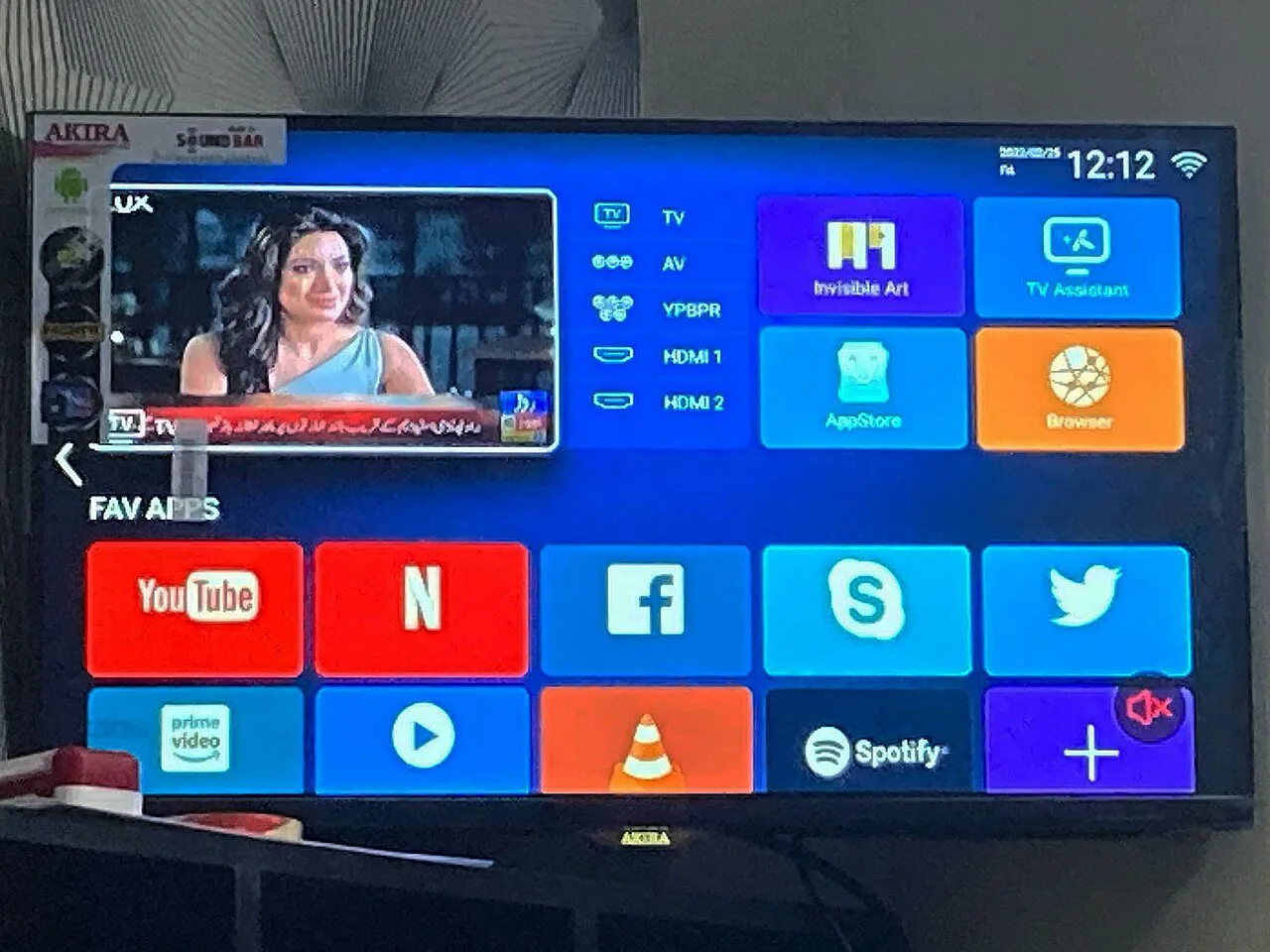
Image search term: smart tv wifi router
- Choose the Right Device for IPTVUSAX
Your streaming device plays an important role in performance.
An older Smart TV may struggle with demanding applications, even when your internet connection is strong.
Modern streaming hardware often offers better processing power, memory management, and software support. Common IPTV device options Device Main advantage What to check Smart TV Convenient built-in experience App compatibility Android TV box Flexible application options Hardware and software support Fire TV device Compact streaming setup App availability Smartphone Portable viewing Battery and network stability Tablet Comfortable mobile screen App compatibility Windows or Mac computer Flexible playback controls Supported player software
Before selecting a device, confirm that your preferred IPTV application supports its operating system.
You can also explore the IPTVUSAX setup guide for TV, mobile, and PC for more information about configuring different devices.
Helpful tip: Keep enough free storage available for application updates and temporary files.
- Keep Your IPTV Application Updated
Outdated applications can cause playback errors, compatibility problems, and unexpected crashes.
Application developers regularly release updates to improve stability, security, and device support.
Keeping your player updated is one of the simplest maintenance steps. Recommended update routine
- Open your device's official application store.
- Find your installed IPTV player.
- Check whether an update is available.
- Install the update if appropriate.
- Restart the application.
- Test playback again.
Avoid downloading modified applications from unknown websites. Unofficial installation files may contain harmful software or unwanted permissions.
For IPTVUSAX users, choosing a compatible, maintained player is generally more useful than installing multiple applications without a clear reason.
- Reduce IPTV Buffering With Simple Fixes
Buffering is one of the most common frustrations among IPTV viewers.
It occurs when playback cannot receive or process video data quickly enough.
The cause may involve network congestion, Wi-Fi interference, device limitations, application behavior, or problems with the video source. Try these fixes in order
- Pause playback briefly and try again.
- Restart your IPTV application.
- Test another stream that you're authorized to access.
- Restart your streaming device.
- Check whether other devices are using significant bandwidth.
- Move closer to your router or try Ethernet.
- Lower the video quality if your player supports it.
If the issue affects only one channel or video, your home internet may not be responsible.
If every streaming application buffers, investigate your connection or device first. Quick IPTV troubleshooting table Problem Possible cause Suggested action Frequent buffering Unstable network Test Ethernet App freezes Device memory pressure Restart the device Video without sound Audio format incompatibility Check audio settings Black screen Playback or source issue Restart and test another stream Slow application Outdated software Update the player Poor picture quality Low resolution or bandwidth Check stream quality and connection
These checks help you narrow down the problem before making unnecessary changes.
- Optimize Your IPTV Picture Quality
A 4K television does not automatically mean every video will play in 4K.
Picture quality depends on the original video resolution, encoding, available bandwidth, playback application, and display settings.
For a better viewing experience, match your settings to the capabilities of your equipment. Practical picture-quality tips
- Use your television's recommended display resolution.
- Enable supported hardware decoding when appropriate.
- Avoid excessive artificial sharpening.
- Select a stable video quality rather than forcing the highest setting.
- Check your HDMI connection when using an external streaming box.
- Keep your television firmware updated.
If your connection struggles with high-resolution playback, a stable HD stream may provide a better experience than interrupted 4K video.
IPTVUSAX recommendation: Prioritize smooth playback and clear audio before adjusting advanced picture settings.
- Organize Your IPTV Channels and Favorites
A well-organized channel list makes everyday streaming easier.
Instead of scrolling through large collections, use the favorites and category features available in your IPTV player.
This is particularly helpful for households where different people prefer different types of entertainment. Ways to organize your viewing
- Create a favorites list for frequently watched channels.
- Group content by category when supported.
- Hide unused categories if your application allows it.
- Use the search function to locate content quickly.
- Review favorites periodically.
Some players also support an Electronic Program Guide, commonly called an EPG.
An EPG can display scheduled programming information when compatible guide data is available.
Availability and accuracy depend on the application and its program data source.
A simpler interface can make your IPTVUSAX viewing routine more convenient, especially when navigating with a television remote.
- Set Up IPTVUSAX Across Your Preferred Devices
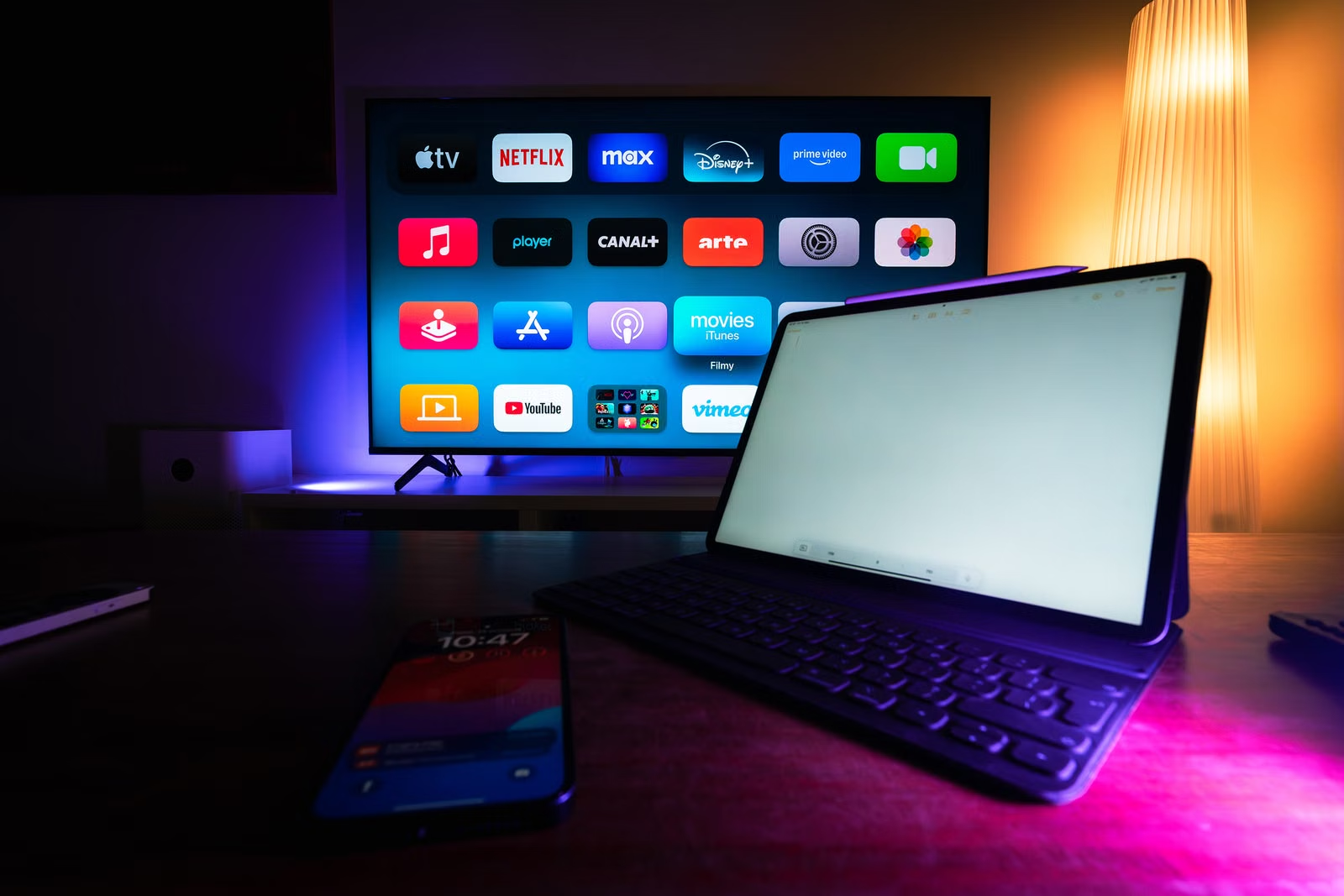
Many households use more than one screen for entertainment.
You might prefer your television in the evening, your tablet while relaxing, or your computer during the day.
The important consideration is device compatibility and the connection limits of your chosen subscription.

Image search term: streaming devices home setup Before setting up another device Check the following:
- Whether the device supports a compatible IPTV player.
- Whether your subscription permits the intended number of connections.
- Whether your network can handle simultaneous streaming.
- Whether the application supports your preferred playback format.
- Whether your device receives current security updates.
Do not assume that installing an application on multiple devices automatically allows simultaneous viewing.
Review the relevant subscription conditions first.
You can compare available options on the IPTVUSAX subscription plans page.
Choosing a plan based on your actual viewing habits is more practical than selecting one based only on advertised features.
- Improve Your Home Network for Streaming
Your router manages the network traffic between connected devices and the internet.
When your home network becomes crowded, streaming performance may suffer.
Fortunately, you can often improve local network conditions without replacing every device. Simple home network improvements Place your router carefully.
Position it in an open, central location whenever possible. Avoid hiding it inside enclosed cabinets or behind large electronic equipment.
Use the appropriate Wi-Fi band.
A 5 GHz connection often provides better performance at shorter distances, while 2.4 GHz may reach farther through obstacles.
Newer routers may offer additional bands, depending on their specifications.
Limit unnecessary background traffic.
Pause large downloads or cloud synchronization during important viewing sessions.
Update your router firmware.
Manufacturer updates can address security vulnerabilities, compatibility issues, and performance bugs.
Check connected devices.
An unfamiliar device or unexpected network activity may indicate that your Wi-Fi password needs attention.
These changes can help create a more reliable environment for IPTVUSAX and other streaming applications.
- Choose an IPTV Subscription That Fits Your Needs
Not every IPTV subscription is suitable for every household.
Your preferred devices, viewing habits, internet connection, and desired features should guide your decision.
Before selecting a plan, take time to understand what is included. Important questions to ask
- Which devices and applications are supported?
- How many simultaneous connections are permitted?
- What subscription duration is available?
- What setup instructions are provided?
- What happens when you need technical assistance?
- Which channels and content are legally available under the service?
- Are renewal and cancellation conditions clearly explained?
Avoid relying on exaggerated promises or unsupported performance claims.
A responsible streaming decision starts with clear subscription terms, compatible hardware, and access to properly licensed content.
For available options, visit the IPTVUSAX official website. IPTVUSAX Streaming Checklist for 2027 Before starting your next viewing session, use this quick checklist.
- [ ] Your internet connection is stable.
- [ ] Your streaming device has current software.
- [ ] Your IPTV player is updated.
- [ ] Your Wi-Fi signal is strong or Ethernet is connected.
- [ ] Unnecessary downloads are paused.
- [ ] Your video resolution matches your device.
- [ ] Your favorites are organized.
- [ ] Your subscription supports your intended devices.
- [ ] Your streaming content comes from authorized sources.
Completing these checks won't eliminate every possible streaming issue, but it can reduce common problems caused by your local setup. Common Mistakes to Avoid With IPTV Streaming Even experienced viewers sometimes overlook basic settings.
One common mistake is assuming that higher internet speed automatically solves every problem. A poor Wi-Fi connection or outdated streaming box can still interrupt playback.
Another mistake is installing multiple unofficial IPTV applications without checking their security or compatibility.
You should also avoid repeatedly changing advanced player settings without understanding their purpose.
When troubleshooting, change one setting at a time and test the result.
This approach makes it easier to identify the actual cause of a problem.
Finally, remember that an IPTV player and an IPTV subscription are not necessarily the same product. Some player applications require separate activation or payment, and content access may be provided independently.
Understanding these differences helps you avoid confusion during setup. Final Thoughts: Make the Most of IPTVUSAX A better streaming experience starts with a reliable connection, compatible equipment, and sensible application settings.
These 10 IPTVUSAX tips provide a practical starting point for improving playback, reducing common interruptions, and organizing your entertainment experience in 2027.
Whether you're using a Smart TV, streaming box, smartphone, or computer, focus on stability, security, and ease of use.
Ready to explore your options? Visit IPTVUSAX Official — Find Your IPTV Plan in the USA to learn more about available subscription choices and find an option that suits your viewing needs.